 Image 1 of 3
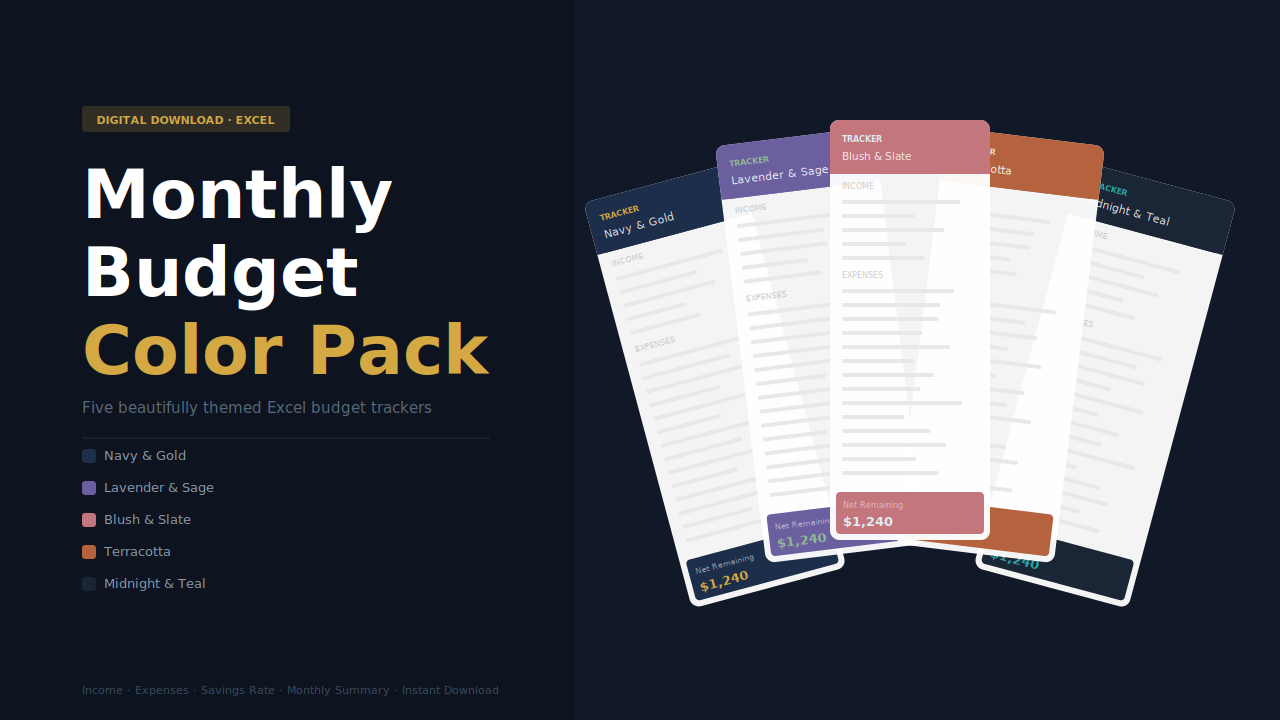 Image 2 of 3
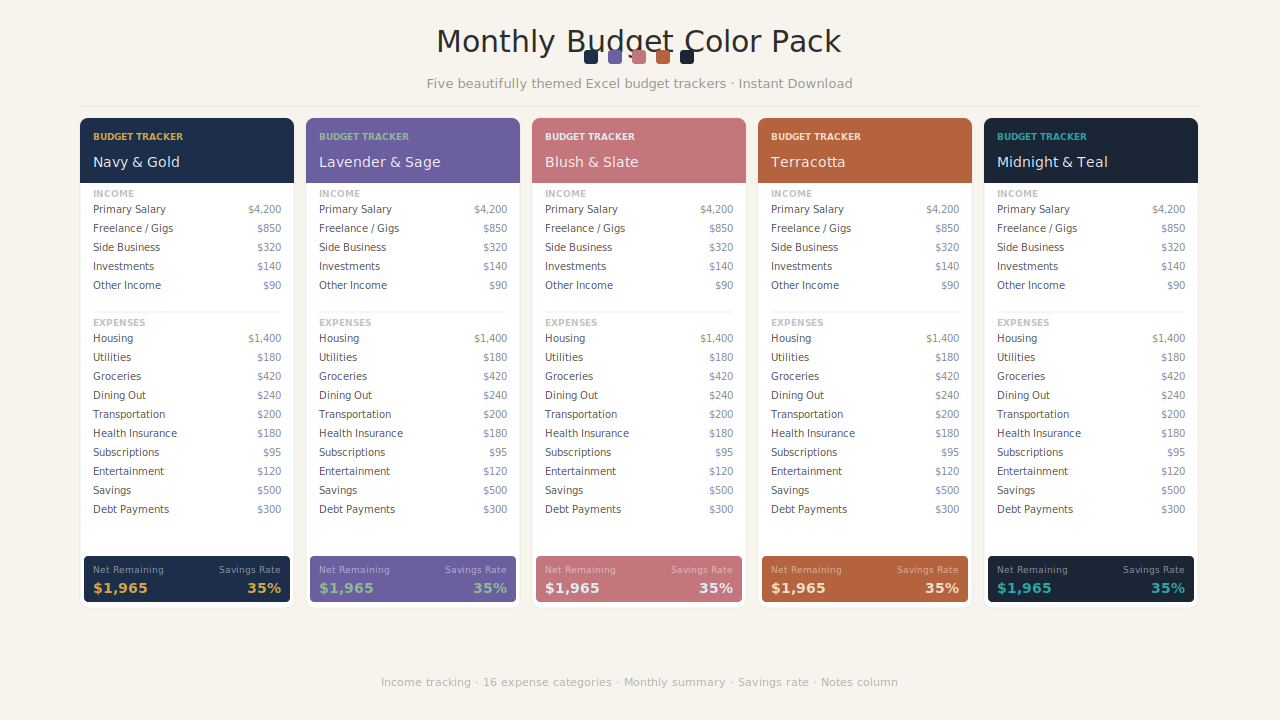 Image 3 of 3
A monthly budget should take 15 minutes to set up and about 30 seconds to check in on. This Monthly Budget Tracker is designed for exactly that.
Enter your expected income and expenses at the start of the month, then update your actuals as the month goes on. The spreadsheet handles all the math — totals, differences, and your savings rate are calculated automatically.
Simple enough for a complete beginner. Thorough enough for someone who takes their finances seriously.
What You Get
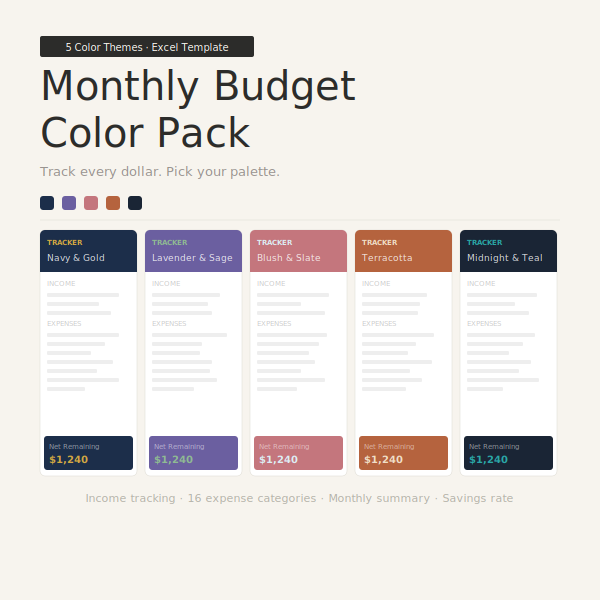
• Income section — 5 income sources with expected vs. actual tracking
• Expenses section — 16 pre-labeled categories covering all major spending areas
• Monthly summary — total income, total expenses, net remaining, and savings rate
• Both budgeted and actual columns side by side so you can see the full picture at once
• Percentage of income column for each category so you can see where your money is really going
• Compatible with Microsoft Excel (Windows and Mac) and Google Sheets
Features at a Glance
• 16 expense categories pre-labeled — housing, utilities, groceries, transport, health, and more
• Expected vs. actual columns — plan first, then track reality
• Automatic totals and differences — no formulas to write yourself
• Savings rate calculator — see what percentage of your income you actually kept
• Color-coded inputs — blue cells show exactly where to type
• Alternating row colors for easy reading
• Professional design — forest green, dusty rose, and gold palette
• Month and year fields so each copy stays organized
Who This Is For
• Anyone starting a budget for the first time and wanting a simple, guided format
• People who have tried budgeting apps but prefer working in a spreadsheet
• Anyone who wants to see their full month at a glance on a single screen
• Couples tracking a shared budget together
• Anyone trying to cut spending and wanting to compare what they planned vs. what actually happened
Frequently Asked Questions
Do I need to know Excel to use this?
No. All the formulas are already built in. You only ever type into the blue cells — everything else calculates on its own.
Can I use a new copy each month?
Yes — and that is exactly how most people use it. Just duplicate the file at the start of each month for a clean slate.
Does this work in Google Sheets?
Yes. Upload the file to Google Drive and open it there. All formulas will work correctly.
Can I add my own expense categories?
Yes. The category labels are just text — you can type over any of them to rename them to whatever fits your life.
What format will I receive?
You will receive one .xlsx file immediately after purchase, ready to download and use.
A monthly budget should take 15 minutes to set up and about 30 seconds to check in on. This Monthly Budget Tracker is designed for exactly that.
Enter your expected income and expenses at the start of the month, then update your actuals as the month goes on. The spreadsheet handles all the math — totals, differences, and your savings rate are calculated automatically.
Simple enough for a complete beginner. Thorough enough for someone who takes their finances seriously.
What You Get
• Income section — 5 income sources with expected vs. actual tracking
• Expenses section — 16 pre-labeled categories covering all major spending areas
• Monthly summary — total income, total expenses, net remaining, and savings rate
• Both budgeted and actual columns side by side so you can see the full picture at once
• Percentage of income column for each category so you can see where your money is really going
• Compatible with Microsoft Excel (Windows and Mac) and Google Sheets
Features at a Glance
• 16 expense categories pre-labeled — housing, utilities, groceries, transport, health, and more
• Expected vs. actual columns — plan first, then track reality
• Automatic totals and differences — no formulas to write yourself
• Savings rate calculator — see what percentage of your income you actually kept
• Color-coded inputs — blue cells show exactly where to type
• Alternating row colors for easy reading
• Professional design — forest green, dusty rose, and gold palette
• Month and year fields so each copy stays organized
Who This Is For
• Anyone starting a budget for the first time and wanting a simple, guided format
• People who have tried budgeting apps but prefer working in a spreadsheet
• Anyone who wants to see their full month at a glance on a single screen
• Couples tracking a shared budget together
• Anyone trying to cut spending and wanting to compare what they planned vs. what actually happened
Frequently Asked Questions
Do I need to know Excel to use this?
No. All the formulas are already built in. You only ever type into the blue cells — everything else calculates on its own.
Can I use a new copy each month?
Yes — and that is exactly how most people use it. Just duplicate the file at the start of each month for a clean slate.
Does this work in Google Sheets?
Yes. Upload the file to Google Drive and open it there. All formulas will work correctly.
Can I add my own expense categories?
Yes. The category labels are just text — you can type over any of them to rename them to whatever fits your life.
What format will I receive?
You will receive one .xlsx file immediately after purchase, ready to download and use.